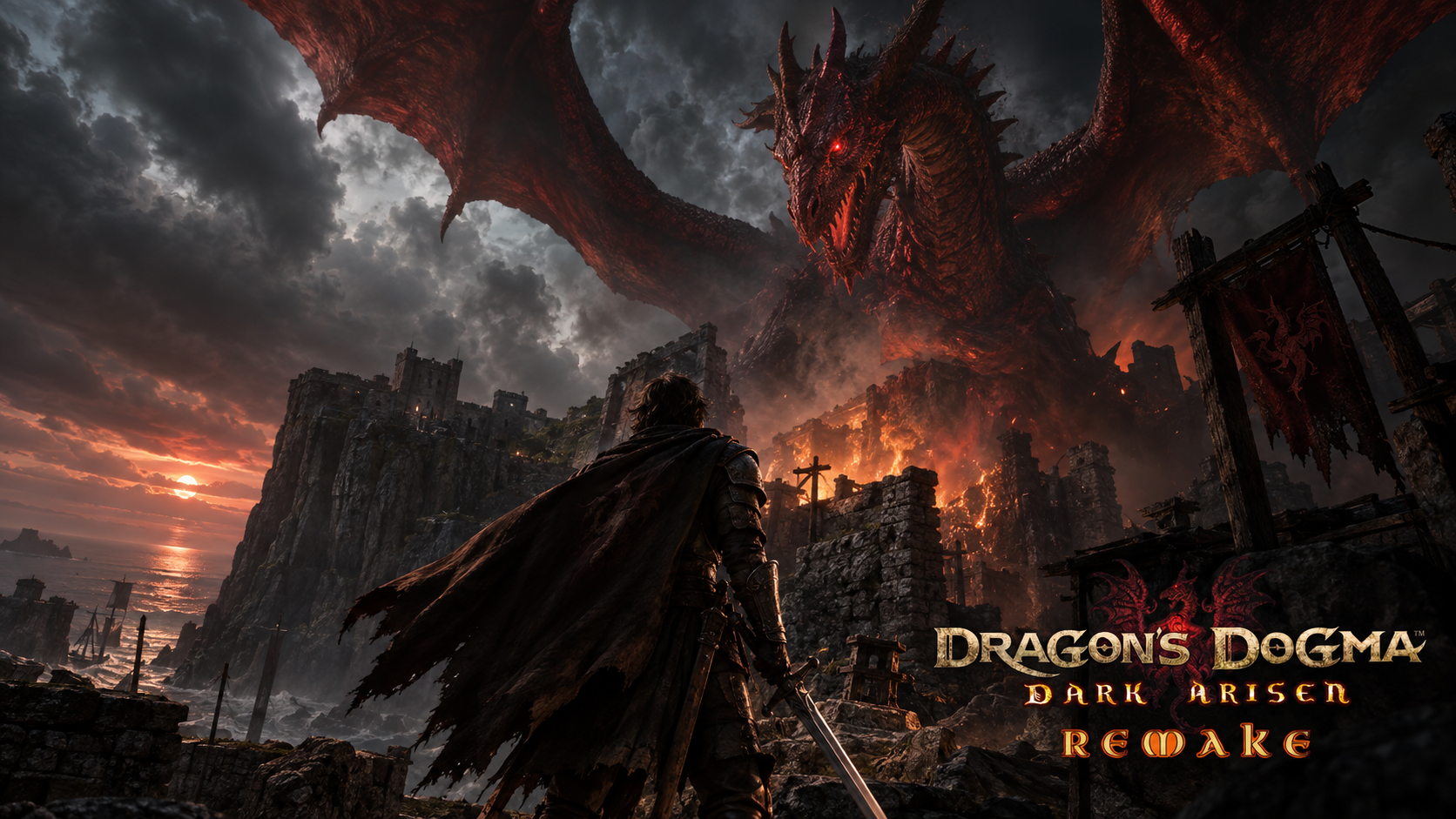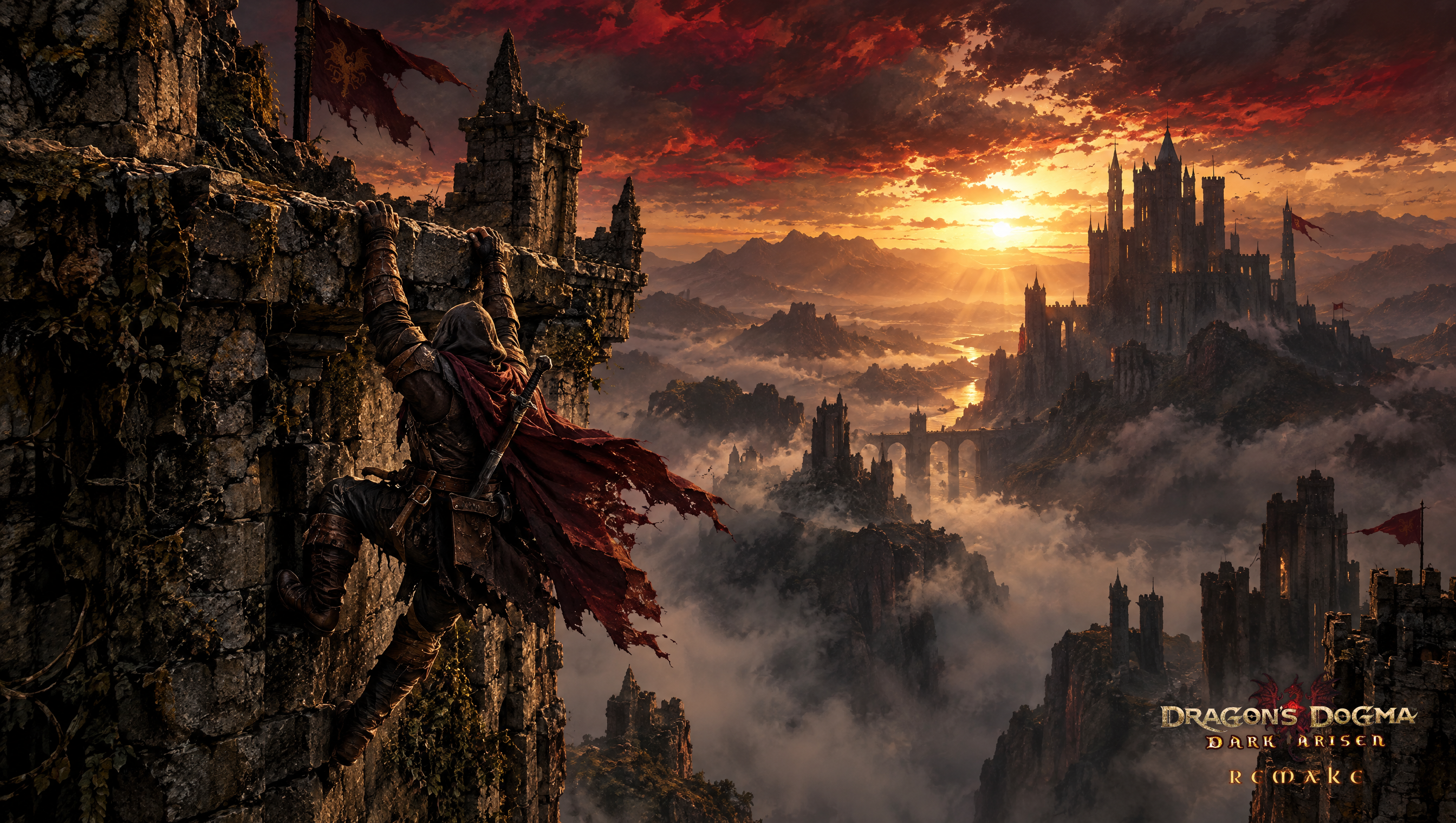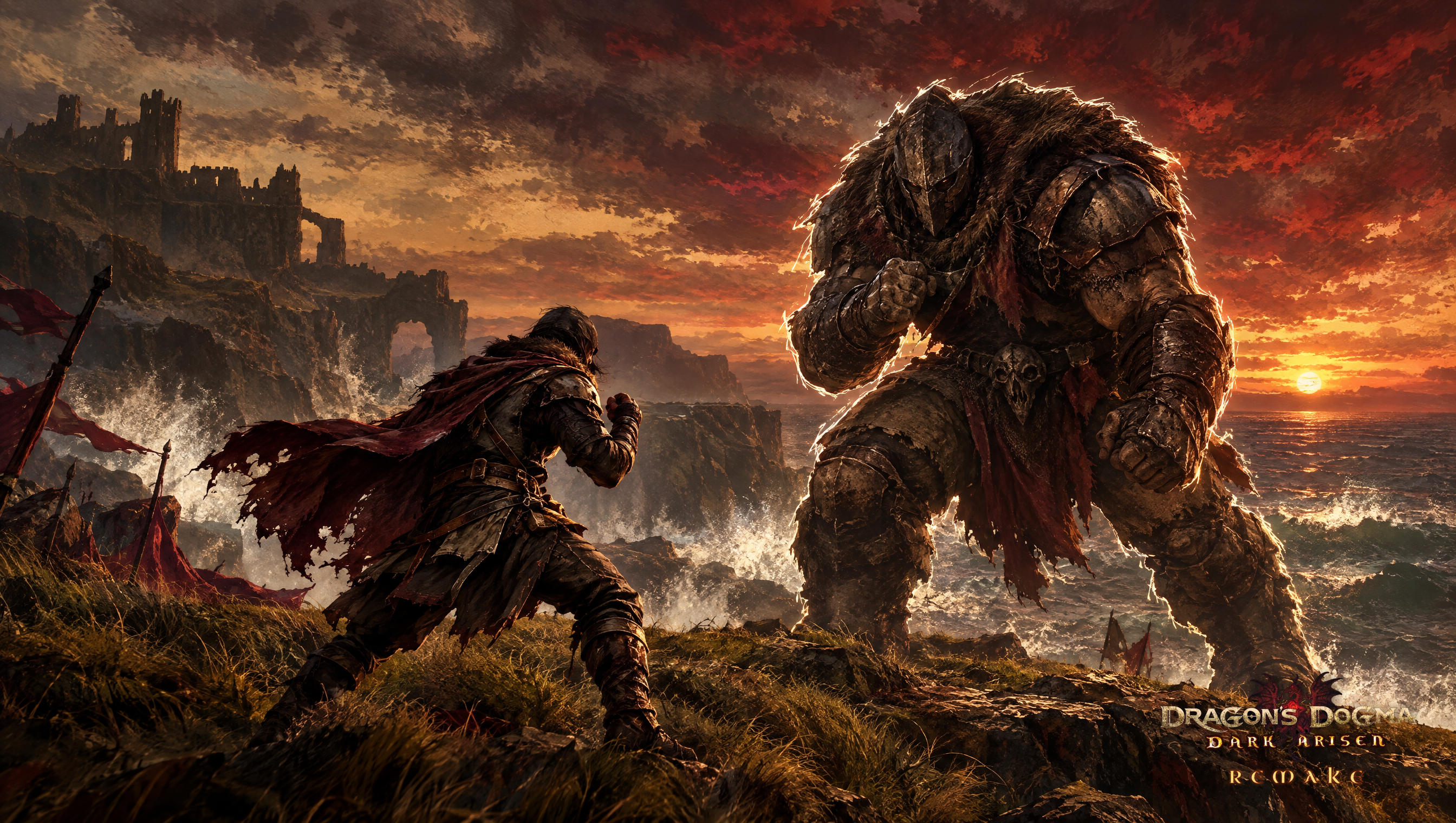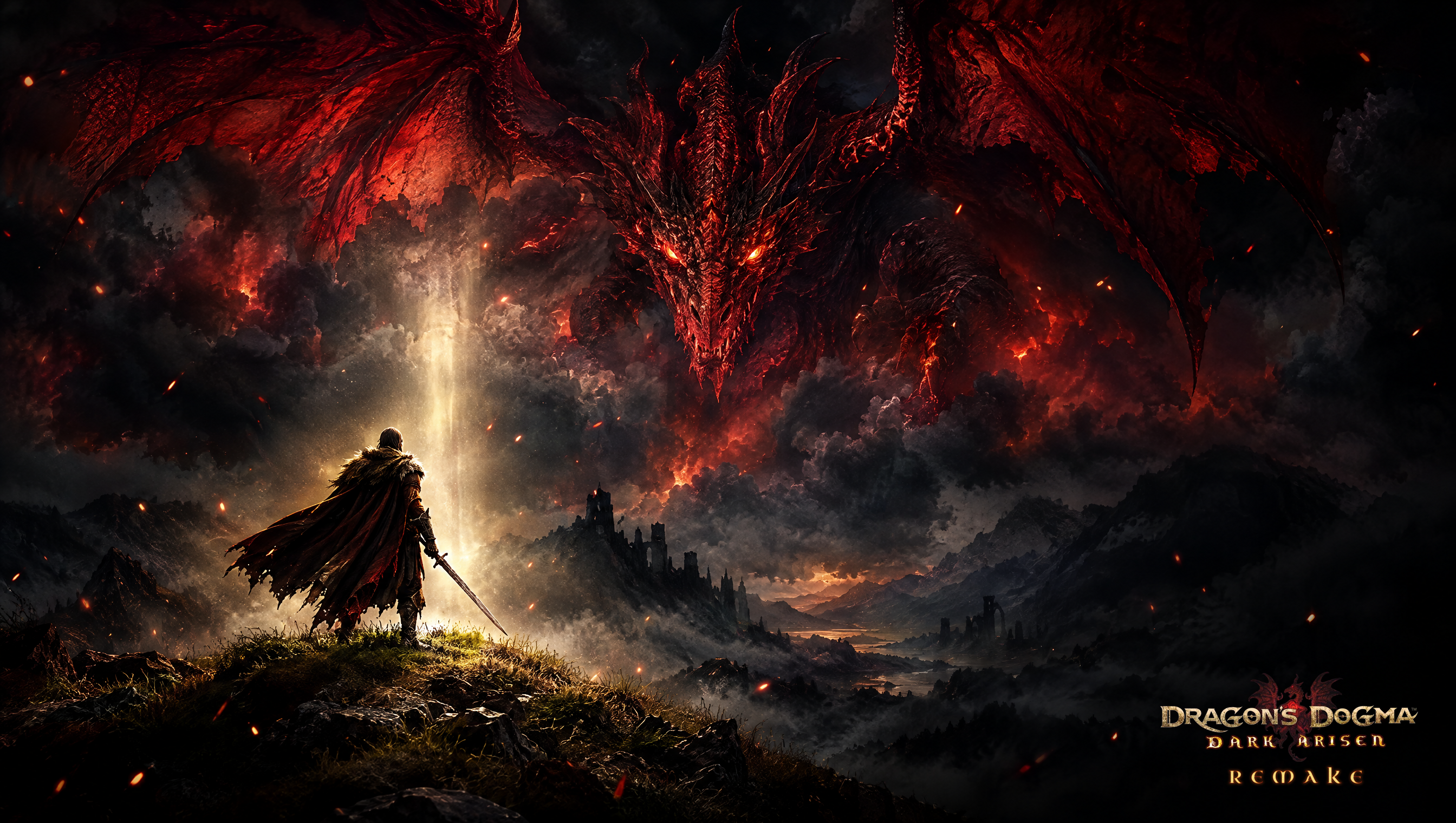

Last time I promised the whole of Gransys on Mesh Terrain. It is built. The map is about 2.9 by 3.0 km, made of 417 ground sections laid out exactly like the original, with 8,426 trees and bushes standing where the original put them. Everything is placeholder art for now, but the shape of the world is the real one: the coast around Cassardis, the valleys, the cliffs, the roads.
Built from code, not by hand
Unreal 5.8's Mesh Terrain is still experimental and is meant to be driven from its editor panel. Clicking 417 sections into place was never going to happen, so the project now has its own editor module. One console command builds every section at its real position, places a tessellation and a noise modifier over the whole world, and places the foliage. Running it twice changes nothing, which matters a lot when a build takes minutes.
Three things bit along the way:
- World Partition hides unloaded actors. A second run did not see sections that were not loaded in the editor and built all of them again. The builder now reads the partition's actor descriptors, which list everything, loaded or not.
- A crash inside the foliage tools. Adding foliage instances while Mesh Terrain is active asks the foliage editor about a null component, and it dereferences it. The placer now clears that ignore list while it works and puts it back afterwards, whatever happens.
- Modifiers default to a 20 m box at the origin. The noise and tessellation now get placed and sized over the whole map on every build.
Grass that knows it is grass
The first full build was one flat colour from coast to mountain. Two reasons. Mesh Terrain does not pass vertex colours to the material at all. And the ground types never arrived anyway: the exporter wrote an older colour layer first, and that is the one Unreal read.
Mesh Terrain carries channels instead: per vertex weights on the section mesh whose names match channels declared on the terrain. So every section now gets seven weight layers, Grass, Gravel, Soil, Sand, Leaves, Rock and Stone, and the terrain material samples each one and blends a texture per ground type. Borders between types blend on their own.
// One weight layer per ground channel, named like the definition's channels
Attributes->SetNumWeightLayers(Channels.Num());
for (int32 Channel = 0; Channel < Channels.Num(); ++Channel)
{
	Attributes->GetWeightLayer(Channel)->SetName(Channels[Channel]);
}
// A vertex shared by two ground types gets a split weight, so borders blend
for (const int32 Vid : Mesh.VertexIndicesItr())
{
	for (int32 Channel = 0; Channel < NumChannels; ++Channel)
	{
		const float Weight = Corners[Vid] > 0.0f ? Hits[Vid * NumChannels + Channel] / Corners[Vid] : 0.0f;
		Attributes->GetWeightLayer(Channel)->SetValue(Vid, &Weight);
	}
}
One gotcha for anyone trying this: in 5.8.2 the channel sample node hands back four components although it says it returns one. Mask the red channel or every multiply after it fails to compile.
Existing sections did not need rebuilding from scratch. The section's mesh can be swapped in place, so a second command upgrades all 417 in about five seconds, then the partitions get rebuilt.
Enemies that notice you gradually
Being spotted is no longer a switch. A small diamond above a monster's head fills as it notices you: white while it is only curious, amber once it starts searching, red with an exclamation mark when it has spotted you, then it steps aside for the health bar. Each player sees their own gauge, since the server sends a tiny one byte meter per player and only when it changes.
Next
- The sea. The ocean body is placed at the original sea level but does not draw yet.
- Texture tiling on rock and gravel is too visible from above.
- Better trees and ground textures to replace the placeholders.